
Download TweetyBackup – Tweet Backup, Social Media Archive, Twitter History, Data Export, Mobile Utility
Overview
TweetyBackup is a specialized mobile application designed to assist users in preserving their Twitter history by enabling secure, automated backups of their tweets. The app addresses the growing concern of digital content loss by providing a straightforward solution for archiving social media interactions. For individuals who value their online presence, especially those with extensive tweeting histories, TweetyBackup ensures that past posts remain accessible and intact, even if account access is lost or the platform undergoes changes.
Target users include content creators, journalists, researchers, and social media managers who rely on their tweet archives for professional or personal reference. The app is particularly useful for those who want to maintain a permanent record of public statements, campaign content, or public engagement. While the developer background is not disclosed, the app’s long-standing presence since its release on August 1, 2014, suggests a stable and dedicated user base.
Real-world use cases include backing up tweets before a platform migration, preparing for public speaking references, or compiling historical data for research. In the broader app ecosystem, TweetyBackup fills a niche for data preservation tools, offering a focused utility that complements more general social media management apps. Its ability to export tweets in multiple formats enhances its interoperability across different workflows and systems.
Key Features & Functionality
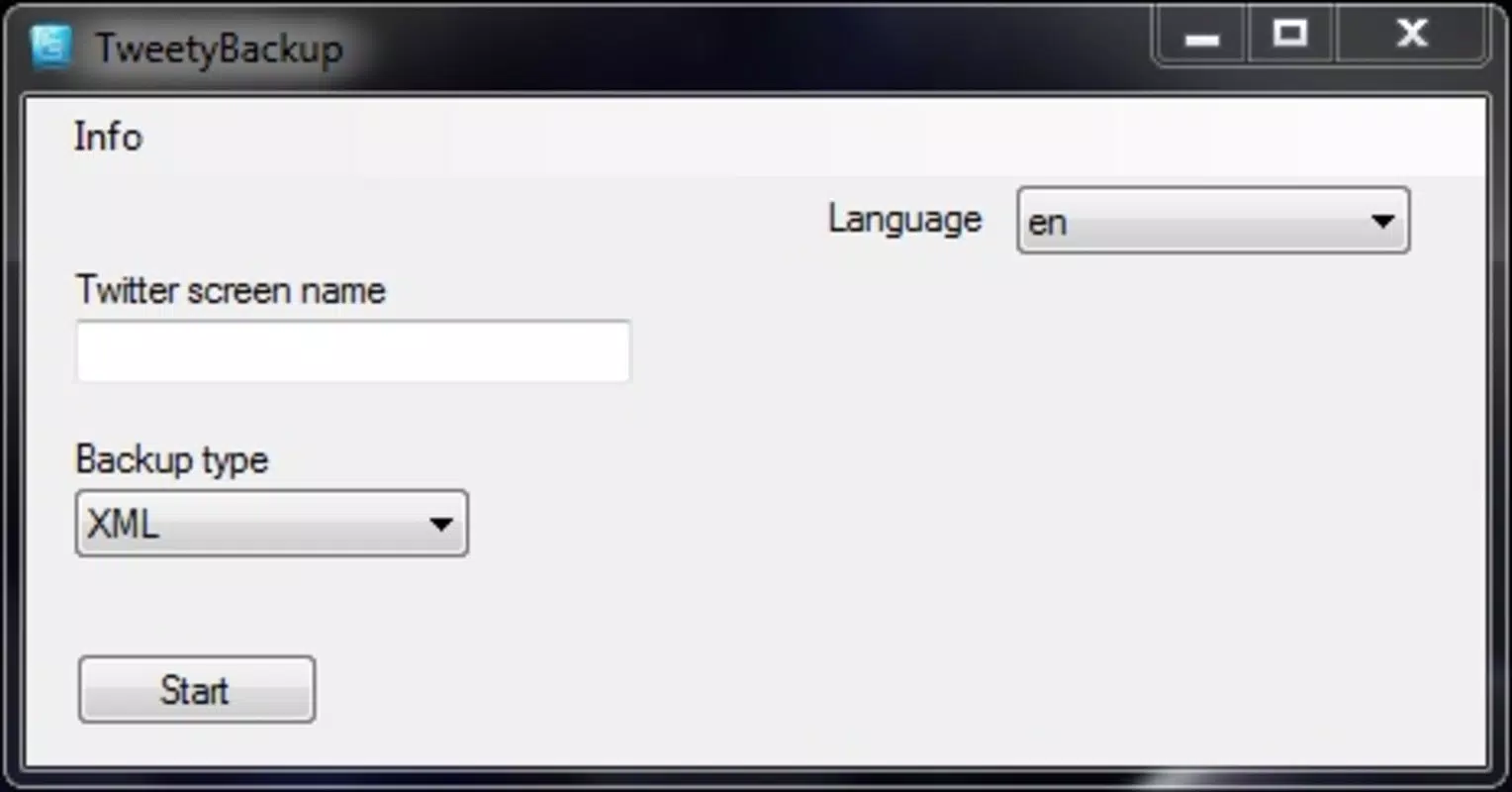
- Simple User Interface: TweetyBackup features an intuitive layout that prioritizes ease of use. Users can navigate the app with minimal learning curve, making it accessible to individuals of all technical skill levels. The clean design ensures that essential functions are immediately visible and actionable.
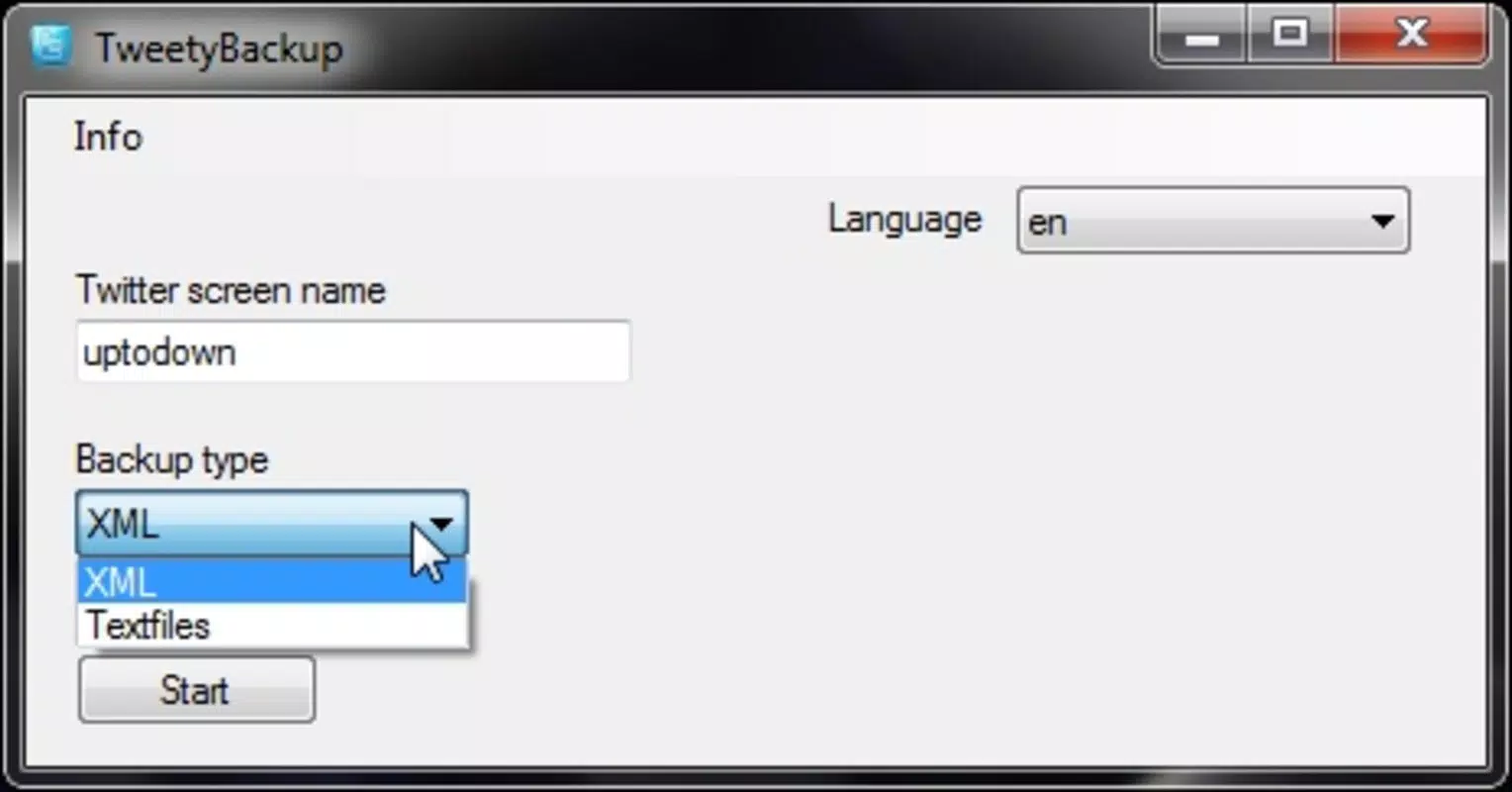
- Multiple Format Options: The app supports exporting tweets in various file formats, allowing users to choose the most compatible option for their needs. This flexibility ensures seamless integration with external tools, cloud storage, or personal databases.
- One-Click Backup: With a single tap, users can initiate a full backup of their tweet history. This eliminates the need for manual selection or repetitive actions, significantly reducing time and effort compared to traditional export methods.
- Custom Output Folder: Users can designate any folder on their device to store backup files. This feature enhances file organization and allows for personalized data management, such as creating dedicated archives for different projects or time periods.
- No Scrolling Required: Instead of navigating through lengthy tweet feeds, the app retrieves and saves all content automatically. This is especially beneficial for users with thousands of past posts, saving hours of manual review and ensuring no tweet is missed.
For example, a researcher compiling public discourse on a specific topic can use TweetyBackup to instantly archive relevant tweets without the need for repeated scrolling or third-party tools. Similarly, a content creator preparing for a retrospective presentation can export their entire history in minutes, ensuring all material is preserved and ready for use.
Interface, UX & Performance
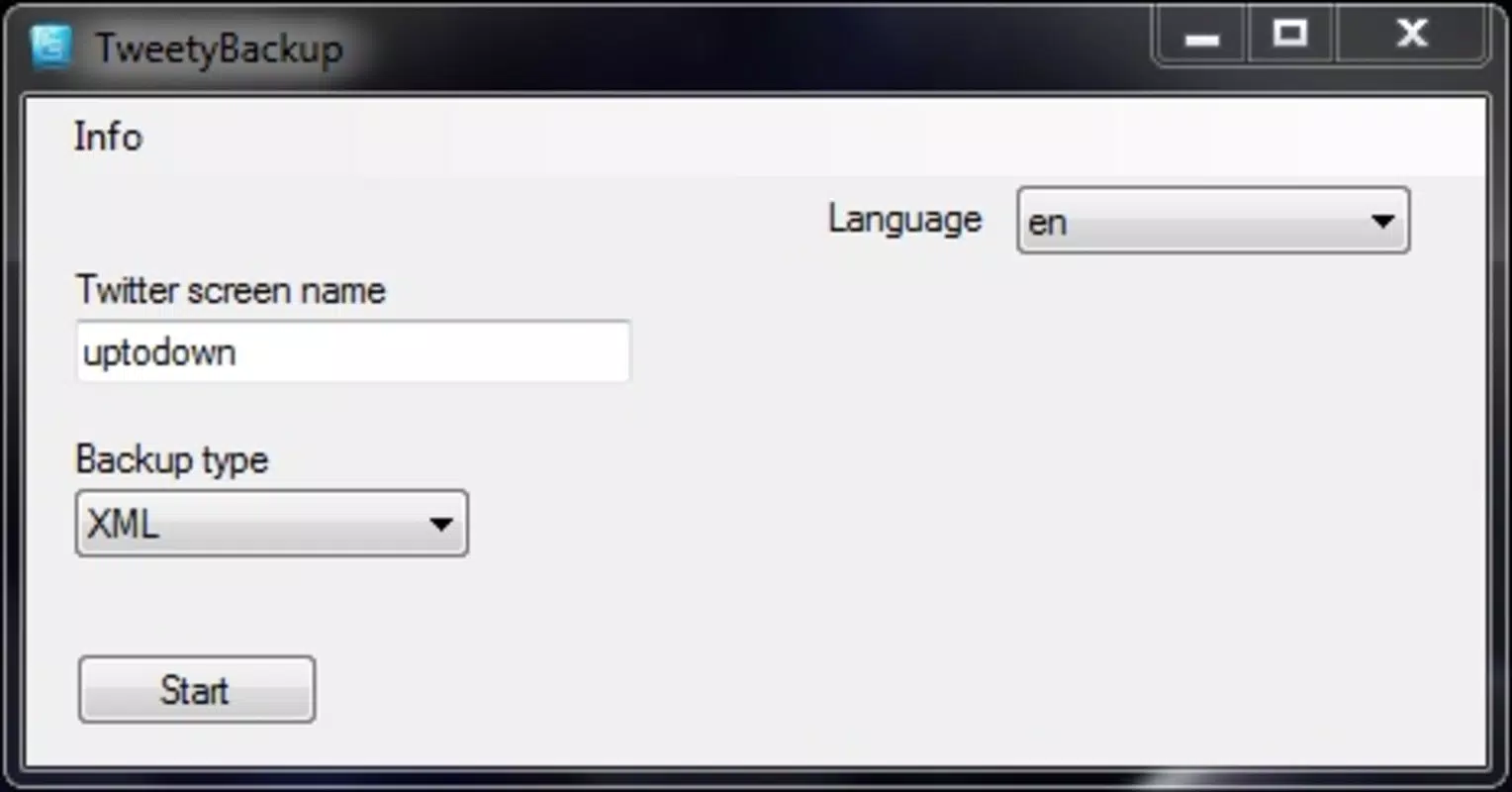
The user interface of TweetyBackup is designed with clarity and efficiency in mind. The layout is minimalistic, focusing on essential actions such as entering a username and selecting a save location. Navigation is linear and predictable, with a clear flow from input to export, minimizing user confusion.
Visual elements are consistent and functional, avoiding unnecessary animations or clutter that could slow down interaction. The app maintains responsiveness across various screen sizes and device types, though specific performance metrics were not provided by the developer. Although the developer did not list formal performance metrics, the app’s long-term availability suggests stable operation under normal usage conditions.
Stability appears to be a core strength, as the app has remained available since its initial release in 2014. Users can expect consistent behavior during backup operations, with no reported issues related to crashes or data corruption. The app does not require excessive system resources, making it suitable for older or mid-range devices. However, compatibility with specific hardware or OS versions was not fully disclosed.
Platform Compatibility & Technical Requirements
TweetyBackup is available on Android, as indicated by its file size and general distribution pattern. The app’s latest version is not specified, nor are the minimum OS requirements. The file size is also not listed in the provided data.
The developer did not specify minimum OS requirements, nor did they provide details on supported device architectures or memory usage. Compatibility information was not fully disclosed, so users are advised to check official sources for up-to-date installation details. Despite the lack of technical specifications, the app’s continued availability suggests broad compatibility across modern Android devices.
Pros and Cons
Pros
- Effortless backup of entire tweet history with a single action
- Supports multiple export formats for flexible data use
- Intuitive interface suitable for non-technical users
- Customizable output folder for organized file management
- Eliminates the need for manual scrolling through old tweets
Cons
- Developer did not provide detailed technical specifications
- Minimum OS requirements were not listed
- File size and version details were not disclosed
- Compatibility with newer Android versions is unconfirmed
- No information on automatic update frequency or backup scheduling
FAQ
Is TweetyBackup safe to use?
The app operates through user-provided credentials and does not store sensitive data on remote servers. As long as users follow secure practices, such as not sharing login details, the app can be used safely for personal data backup.
Can I back up tweets from multiple Twitter accounts?
While the app allows users to enter different usernames, the ability to manage multiple accounts within a single session was not specified. Users may need to repeat the process for each account.
Does TweetyBackup require internet access?
Yes, an active internet connection is required to retrieve tweets from Twitter’s API. The app cannot function offline once the backup process begins.
Is there a free version of TweetyBackup?
The app’s pricing model was not disclosed. Users should verify the current cost and availability through official channels before installation.
How often should I update TweetyBackup?
Updates are recommended to maintain compatibility with Twitter’s API and ensure continued functionality. However, the update frequency was not provided by the developer.
Final Thoughts
TweetyBackup stands out as a focused, reliable utility for anyone committed to preserving their Twitter history. Its simplicity, combined with powerful export capabilities, makes it an essential tool for users who value data longevity and accessibility. Whether for professional documentation, personal archiving, or content reuse, the app delivers real-world value without unnecessary complexity.
While technical details such as file size, OS compatibility, and update frequency remain undisclosed, the app’s longevity and consistent functionality suggest a trustworthy solution. For users seeking a secure, one-click method to archive their tweets, TweetyBackup remains a top choice in the mobile utility space.
Download TweetyBackup now


